

Glyph-Master FX
Next-Generation Japanese Glyph Editor
A professional editor built for creating, editing, and managing Japanese glyphs with speed and
efficiency. Define glyphs through stroke skeletons, reusable components, and
structural templates, apply style variants, and automatically generate production-grade vector outlines. Built
for the browser with an optimized, user-friendly interface, it combines powerful editing tools with rich
metadata and deep Kanji-Database integration. For everything from individual glyph creation to complete font
generation.
Features

Full Character Support
Create any Japanese character, from Kanji and Kana to radicals, graphemes, symbols, and more.
Stroke Skeletons
An innovative and scalable way to define a glyph’s structure through stroke paths, independently of its outline shape.
Vector Outlines
Automatically compute resolution-independent, perfect vector outlines from underlying stroke skeletons using built-in style templates.
Component Library
Use a customizable library of predefined components, including strokes and elements, for rapid and consistent glyph creation.
Linked Components
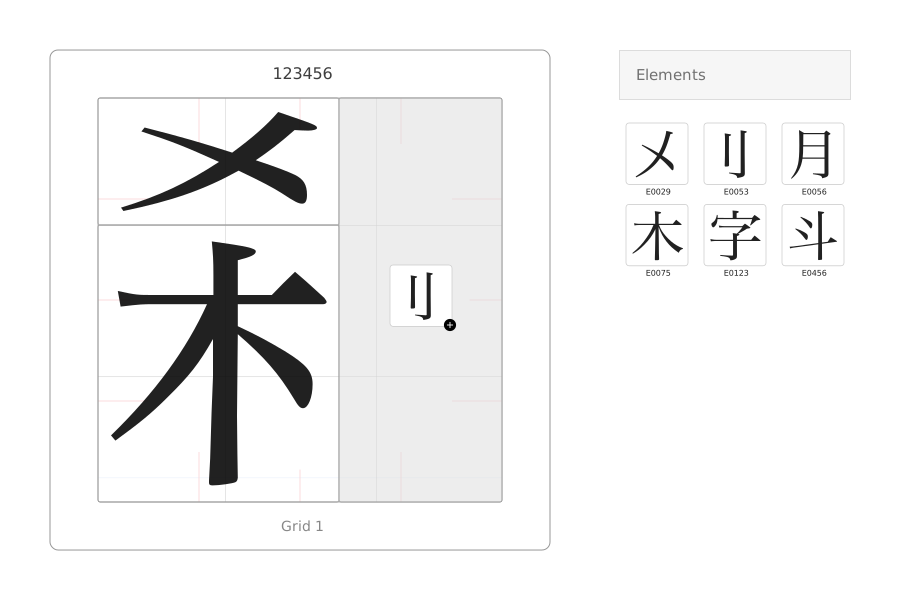
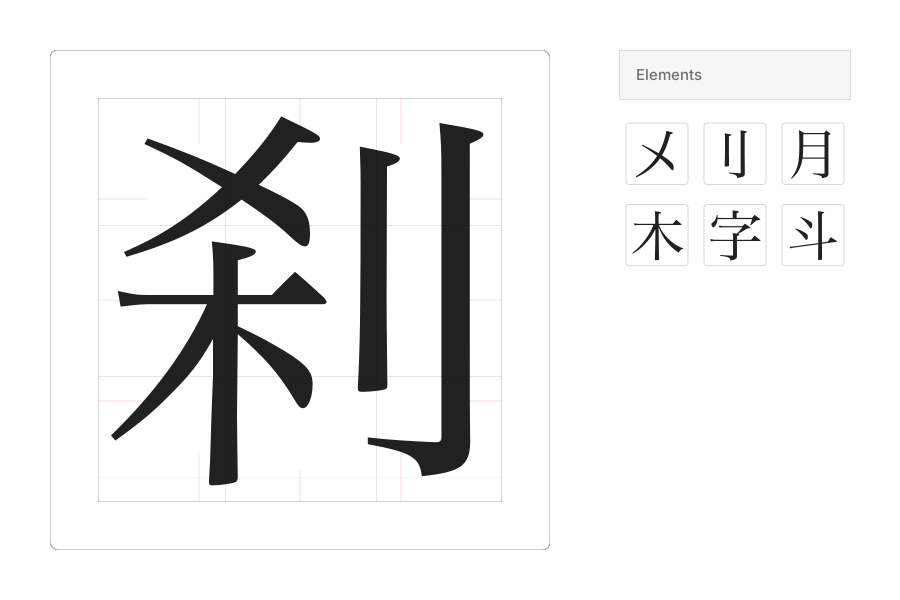
Create glyphs from reusable components. Edit a component once, and all glyphs that reference it update automatically.
Structure Templates
Build complex glyphs from predefined templates for common structures, with room for subtle adjustments that add flexibility while preserving speed and consistency.
Font Styles
Apply a wide range of font styles and style variations, including Mincho, Gothic, and multiple variants within each style class, based on predefined shape templates.
Font Weights
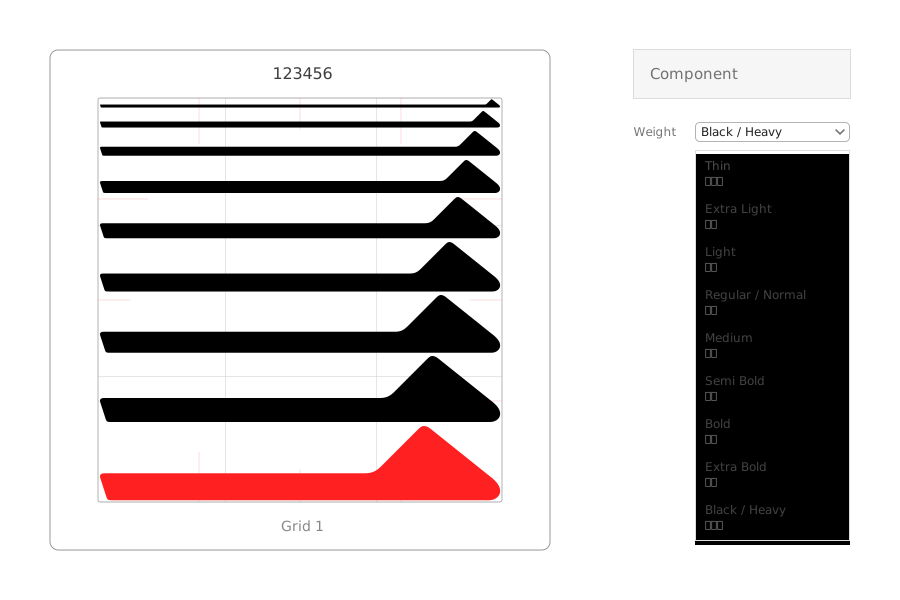
Generate all standard font weights (100–900) automatically, from Thin and Regular to Bold and Black, without duplicating work across multiple weight versions.
Stroke Contrast
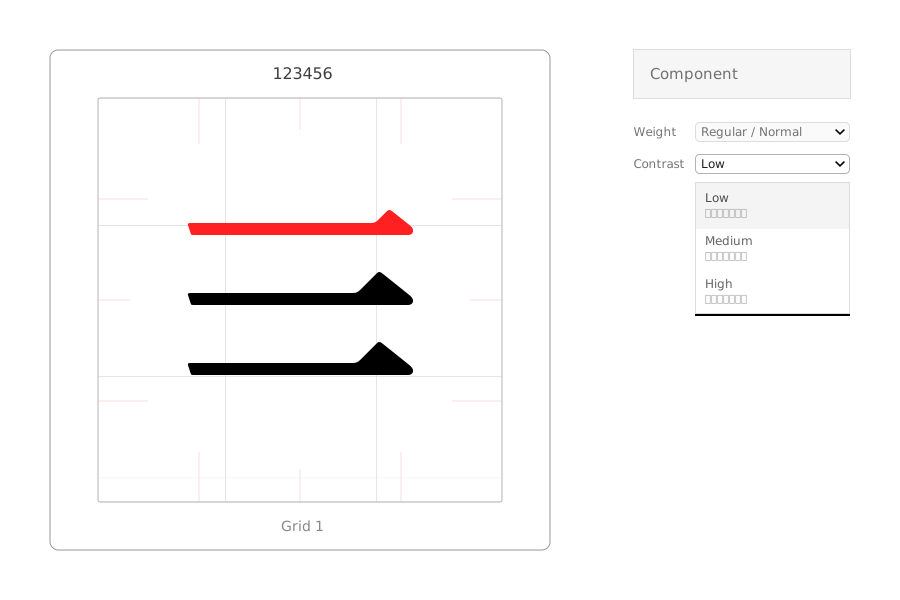
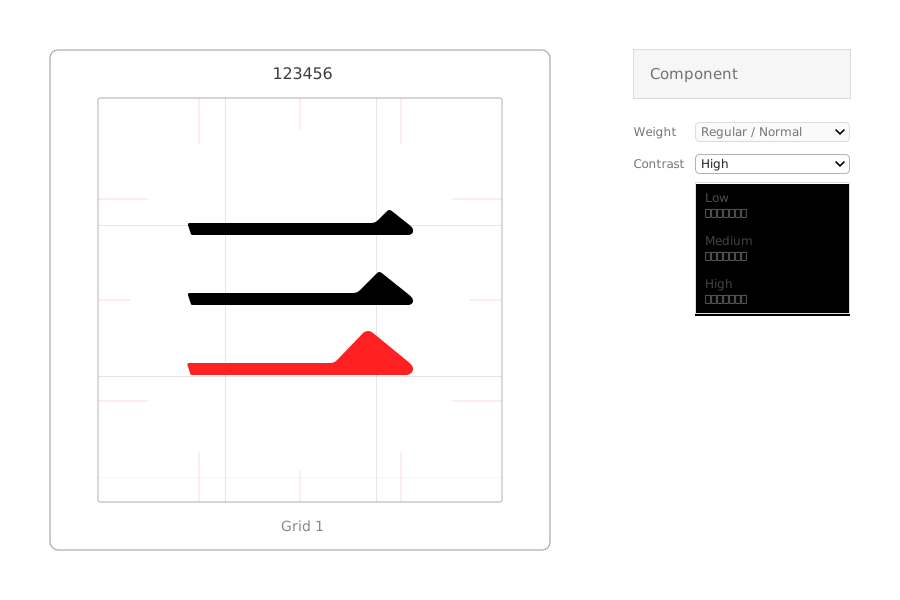
Built-in support for low, medium, and high stroke contrast, emphasizing the difference between thick and thin stroke segments.
Visual Aids
Take advantage of built-in visual aids to speed up the design process, including typographic grids, opacity controls, and alignment tools.
Rich Metadata
Automatic generation of detailed glyph metadata, such as part counts and part order, for search and analysis.
Editing Modes
Edit entire glyphs or specific parts such as components, strokes, and points at various levels, either individually or in groups.
UX First
A modern, streamlined interface with intuitive features for maximum speed and efficiency in glyph creation.
Web-Application
A fully browser-based, high-performance desktop application with instant access and no installation required.
Powered by Kanji-Database
Explore and leverage the full collection of Japanese glyphs from Kanji-Database.
Font Generation
Select and export complete character sets as production-ready fonts.
SVG Image Export
Export single glyphs or groups of glyphs as high-quality static or animated SVGs.
Community-Driven
Join our community in creating every Japanese glyph for the first time.